Accounts Payable Software for Vendor Invoice and Payment Control

Summary
×Accounts payable is not just a place to record bills. For manufacturers, distributors, contractors, repair shops, and field service businesses, AP is where vendor invoices become cash decisions. A small invoice can affect job cost, inventory value, supplier relationships, payment timing, and financial reporting. When AP is handled through spreadsheets, email attachments, and disconnected accounting notes, the company may still know what it owes, but it may not know which invoices are approved, which ones are disputed, which ones are tied to purchase orders, and which ones should be paid next.
Public AP automation research shows why this still matters. In 2024, 52% of AP professionals reported spending more than ten hours per week processing invoices, and manual invoice keying into ERP or accounting systems was still reported by 60% of respondents. The same research also found that poor AP processes were the top challenge causing stress on AP teams, cited by 64% of respondents. That means AP software is not only about convenience. It is about reducing the daily pressure created by missing documents, unclear approvals, duplicate entry, vendor follow-up, and payment uncertainty.
AP Control Starts Before Payment
The real AP problem usually begins before anyone clicks “pay.” A vendor invoice arrives, but the company may not know whether it matches a purchase order, whether the goods were received, whether the amount includes the right tax, or whether the charge belongs to inventory, overhead, labor, equipment, or a customer job. If AP only records the invoice amount and due date, the business is still relying on people to remember the context. That is where mistakes become expensive. A rushed payment can create duplicate payments, and a delayed payment can damage supplier trust.
Industry Software can help by turning invoice entry into a control point instead of a typing task. A payable entry can hold the vendor, invoice number, matching purchase order, debit account, credit account, tax, discount, due date, currency, files, and payment status. More importantly, those details can be configured around how the company actually reviews expenses. A manufacturer may care about matching vendor invoices to inventory receipts. A contractor may care about splitting costs across jobs or cost categories. A service business may care more about vendor history, invoice files, and payment timing.
Vendor Record: vendor name, payment terms, default accounts, contact information.
Purchase Order Match: PO reference, received quantity, invoice amount, variance review.
Account Coding: debit account, credit account, expense type, cost category.
Invoice Details: invoice number, invoice title, invoice date, due date, amount, tax.
Payment Status: unpaid, paid, pending review, check created, payment posted.
Matching Invoices to Purchase Orders Prevents Expensive Guesswork
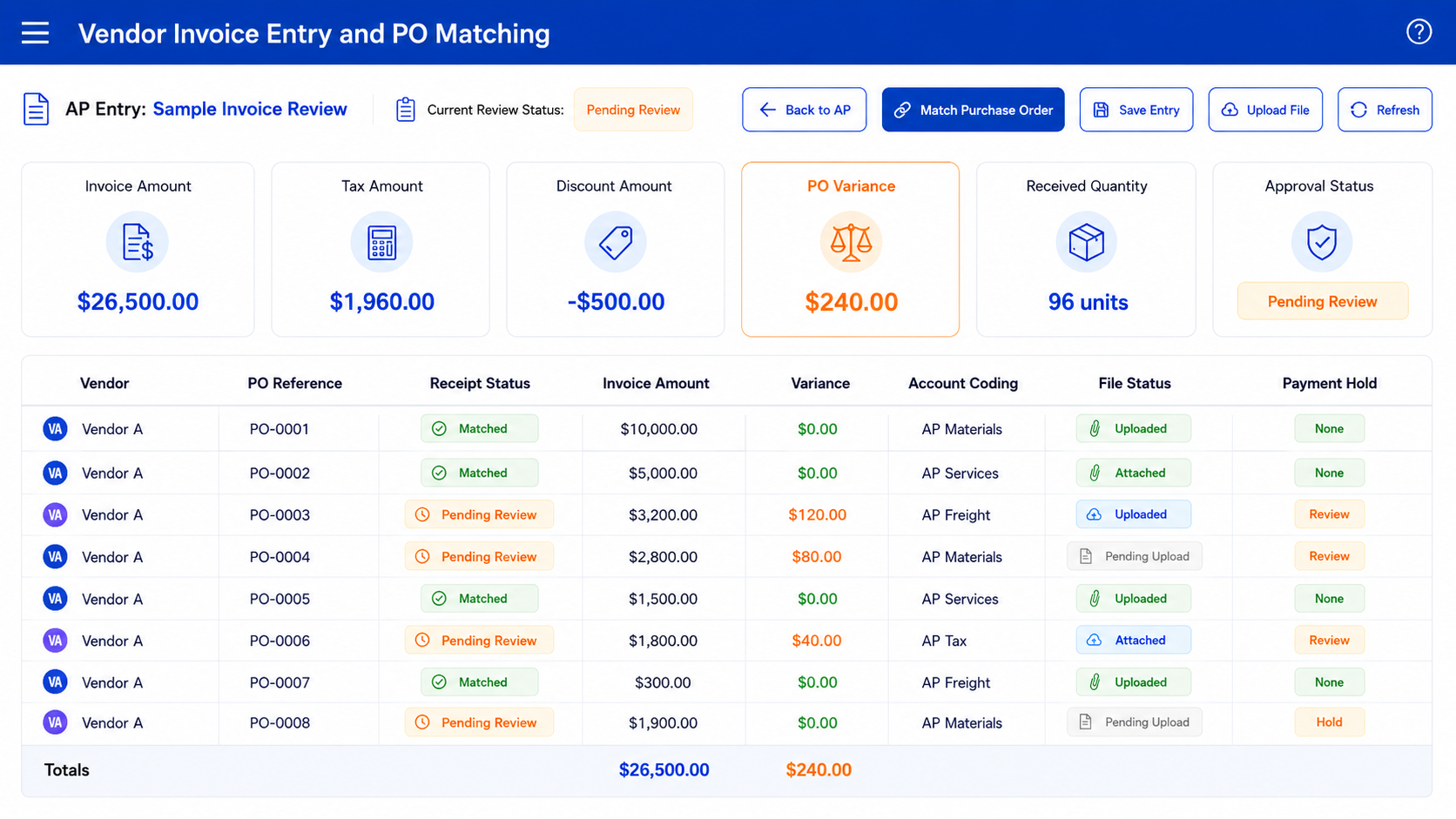
A vendor invoice should not float by itself. If the invoice is related to a purchase order, the system should help the AP user compare what was ordered, what was received, and what the vendor billed. Without that match, AP may pay an invoice before the warehouse confirms receipt, or purchasing may approve a charge without seeing that the amount changed. This is how small mismatches slip through: a freight charge appears unexpectedly, a quantity is different from the PO, or a vendor bills for a part that has not arrived yet. The problem is not just the invoice; the problem is the missing chain of proof.
Industry Software can support a more controlled AP flow by allowing an invoice to be tied to a matching purchase order and supporting document files. If the invoice amount, tax, freight, or quantity looks different from the purchase record, the team can flag it for review before payment. This does not need to be a heavy enterprise process. Even a simple PO match field, file attachment, and paid/unpaid status review can reduce confusion. The goal is to make payment decisions based on the same record that purchasing, receiving, and accounting can understand.
PO Reference: purchase order number, vendor record, item reference, receipt status.
Invoice Match: billed amount, received amount, tax, freight, discount, variance.
Review Status: pending review, approved, disputed, ready for payment.
Supporting Files: vendor invoice, packing slip, purchase order, approval note.
Payment Hold: missing receipt, amount mismatch, missing file, unresolved variance.
A simple example makes the risk clear. A supplier sends an invoice for replacement parts, but only part of the order has been received. If the AP team pays based only on the invoice, the company may pay before confirming the full receipt. If the invoice is matched to the PO and receipt record, the unpaid status can remain in review until the difference is resolved. That kind of control protects cash without turning every invoice into a complicated approval project.
Expense Splits Should Not Become Month-End Cleanup
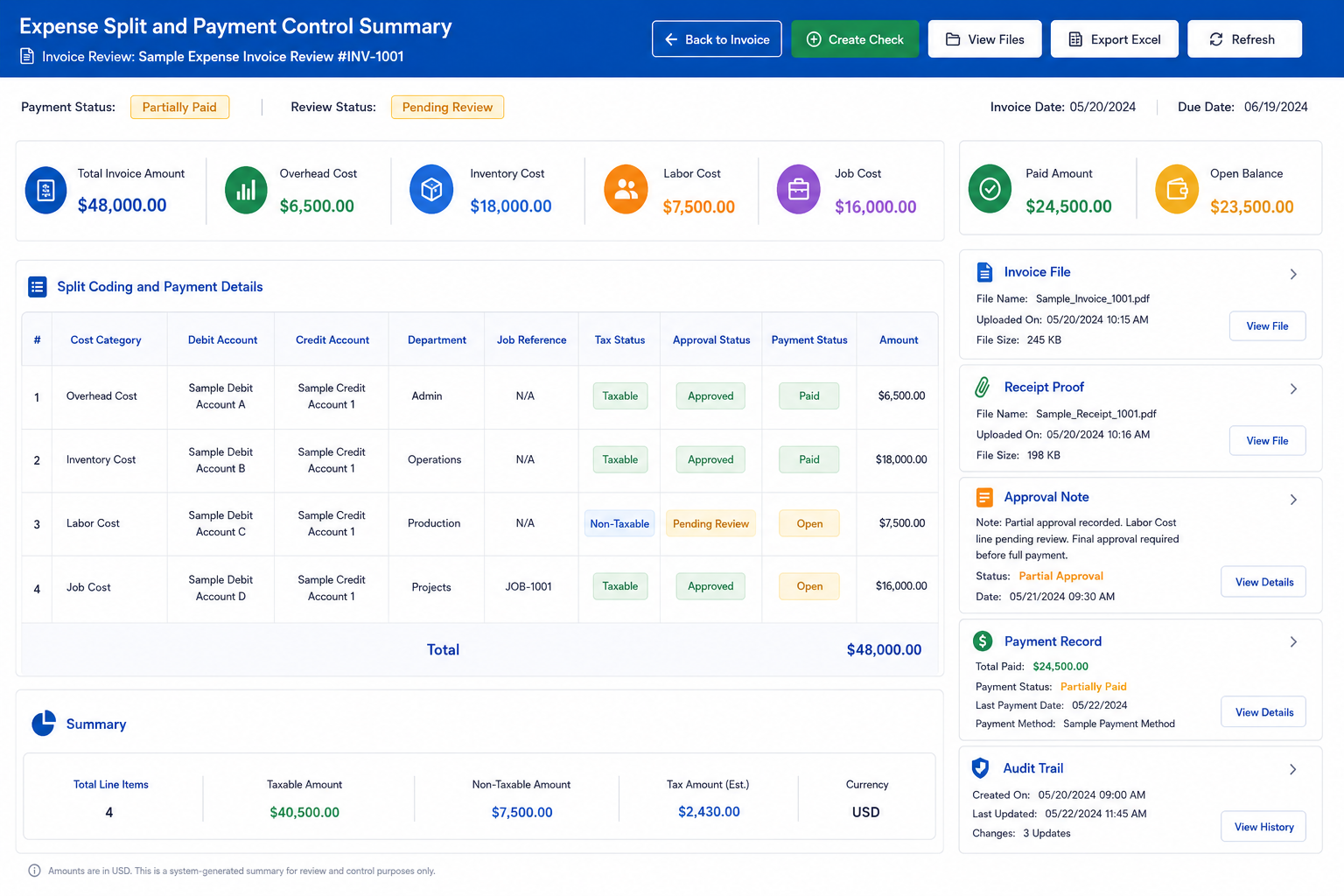
AP entries are often more complicated than one vendor, one amount, and one account. A single invoice may include parts, labor, overhead, shipping, tax, and job-specific charges. If those costs are not split correctly at entry, finance may discover the issue later during month-end close. That is when the cleanup starts: someone has to reopen the invoice, ask what the charge was for, review the file, and correct the account coding. The longer the correction waits, the harder it becomes to trace the cost back to the right job, account, or inventory item.
Industry Software can support split coding so AP entries can be distributed across the right accounts, cost categories, jobs, or inventory items. This is especially useful for manufacturers and service companies where one vendor bill may include both operating expenses and job-related costs. A utility bill may go to overhead, while a parts invoice may need to affect inventory or a work order. A repair vendor may charge labor, parts, and travel on the same invoice. The software should let the company preserve that detail before it turns into accounting detective work.
Expense Split: overhead, labor, inventory, job cost, equipment, business expense.
Account Mapping: debit account, credit account, department, cost center.
Inventory Items: item reference, quantity, unit price, received cost.
Job or Project Costing: customer job, work order, service ticket, internal project.
Review Notes: coding reason, approval comment, supporting file, adjustment history.
The danger with weak AP systems is that the invoice gets paid correctly but reported incorrectly. Cash leaves the business, but the cost lands in the wrong place. That may not hurt today’s payment run, but it can distort margins, inventory value, job cost, and management reports. Industry Software helps by giving AP users a structured place to code, split, attach, review, and report expenses before the invoice disappears into the paid pile.
Paid Status Should Mean More Than “Done”
A paid invoice is not always a clean invoice. It may have been paid late, paid from the wrong account, paid without the file attached, paid before receipt confirmation, or paid without the discount being applied. If the system only shows “Paid” or “Unpaid,” AP loses the history that helps explain the decision. That history matters when a vendor calls, when accounting reviews cash flow, or when management asks why expenses increased. Payment status should tell a story, not just close a row.
Industry Software can help make payment status more useful by keeping payment date, paid-from account, files, check creation, and invoice details close to the AP entry. A user should be able to see whether the invoice is unpaid, paid, awaiting review, or ready for check creation. If a check was created, the record should show the payment action rather than forcing the team to search through a separate file. The point is not to make AP slower. The point is to make payment decisions traceable.
Unpaid Status: invoice entered, due date pending, review required, payment not posted.
Paid Status: payment date, paid-from account, payment method, payment reference.
Check Creation: check action, vendor record, approved invoice, payment amount.
File Support: invoice copy, receipt file, approval note, payment document.
Payment Review: early payment, late payment, discount missed, account mismatch.
Payment controls are also becoming more important because payments fraud remains a serious business risk. Public 2025 payments fraud reporting found that 79% of surveyed organizations experienced attempted or actual payments fraud activity in 2024, and checks remained one of the most targeted payment methods. This does not mean companies should stop paying by check overnight. It does mean AP systems should make vendor, invoice, approval, and payment records easier to verify before money leaves the business.
Attachments Are Part of the Control Layer
Invoice files are not just paperwork. They are the evidence behind the AP decision. If a user cannot quickly see the vendor invoice, packing slip, approval note, purchase order, or payment document, the company has to rebuild context every time there is a question. That creates friction with vendors and slows down internal review. It also makes audits more painful because the accounting record does not tell the full story.
Industry Software can support file attachments directly inside the AP workflow. A user can attach the vendor invoice when the entry is created, keep supporting files near the record, and review documents before payment. This helps reduce the common problem of invoices living in email inboxes while payment status lives in accounting. When the file and the entry stay together, AP becomes easier to review, approve, and explain later. That is especially important for companies with frequent vendor bills, job-related expenses, or multiple users involved in approval.
Invoice File: vendor bill, PDF copy, scanned invoice, uploaded document.
Receipt Proof: packing slip, receiving record, service completion note.
Approval Evidence: manager approval, coding note, exception explanation.
Payment File: check copy, payment confirmation, remittance record.
Audit Trail: uploaded date, user action, review status, history record.
Attachments do not replace structured data. A PDF can show what the vendor sent, but the system still needs invoice number, due date, amount, account coding, vendor, and payment status as searchable data. The best AP workflow uses both. Documents provide proof, while fields provide control. Industry Software can support that combination so users do not have to choose between file storage and financial workflow.
AP Dashboards Should Show Cash Pressure, Not Just Totals
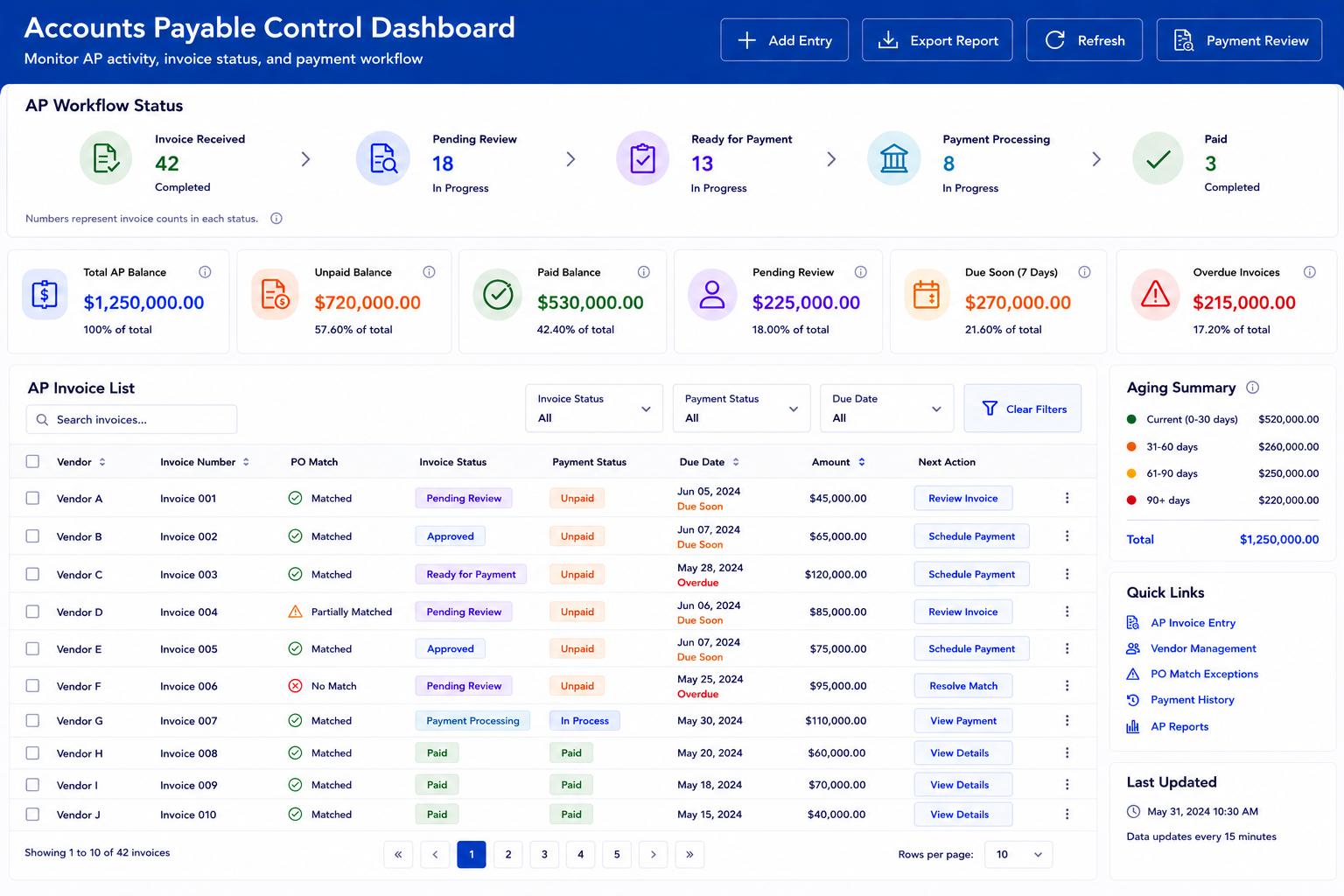
A large AP balance does not mean much by itself. The better question is how much is unpaid, how much is paid, what is due soon, which vendors are waiting, and which invoices are blocked by missing information. A dashboard should help finance understand cash pressure before it becomes a payment problem. If unpaid invoices are growing, the team needs to know whether the issue is cash timing, approval delays, PO mismatches, or missing files. If paid balances look high, management may want to see which cost categories drove the spend.
Industry Software can support AP balance views, paid and unpaid summaries, date-range filtering, vendor-level review, and exportable reports. These views are useful because AP is not only about individual invoices. It is about managing obligations over time. A date range can help the company review a month, quarter, or close period. A paid/unpaid split can show whether the AP process is moving or getting stuck.
Balance Overview: total AP balance, unpaid balance, paid balance, date range.
Vendor Review: vendor balance, invoice count, payment history, open invoices.
Due Date Review: due soon, overdue, missing due date, payment hold.
Category Review: overhead, inventory, labor, utilities, business expense.
Export Options: PDF, CSV, spreadsheet, print view, management report.
The dashboard should not become decoration. It should point to the invoices that need attention. A high unpaid balance is only useful if the team can drill into what is unpaid and why. A paid balance is only useful if the team can see what was paid, from where, and whether the supporting files are complete. Industry Software can make these views practical by tying summary balances back to the AP entry list and payment actions.
Why AP Teams Return to Spreadsheets
Teams do not return to spreadsheets because they want more work. They return because the AP system does not reflect the exceptions they deal with every day. A spreadsheet becomes the place where someone tracks invoice disputes, partial receipts, split coding, missing approvals, vendor follow-up, check status, and “do not pay yet” notes. Once that happens, the AP software may still contain invoices, but the spreadsheet contains the truth. That is risky because management reports may no longer match the way AP is actually being controlled.
The causes are usually specific. The system may not support PO matching cleanly. It may not allow flexible expense splits. It may not show file status, paid-from details, check creation, or approval notes in a usable way. It may make reports easy to export but hard to act on. It may not let companies adjust fields, statuses, or permissions after launch. Industry Software reduces that risk by making the AP workflow configurable instead of forcing every company into the same static invoice screen.
Matching Gap: invoice, PO, receipt, and vendor record do not line up cleanly.
Coding Gap: split costs, job costs, and inventory costs are tracked outside the system.
Payment Gap: paid status, check creation, and paid-from details are not clear.
Document Gap: invoice files and approvals live in email instead of the AP record.
Reporting Gap: totals are visible, but exceptions are not easy to review.
Ownership Gap: users cannot tell who needs to approve, pay, or resolve the issue.
The best AP software should reduce the need for side lists. It should not require users to export every problem to understand what is happening. If an invoice is unpaid because the PO does not match, that reason should be visible. If an invoice is ready for check creation, the next action should be clear. If a vendor calls, the team should not need to search three folders and two spreadsheets to explain the status.
How Industry Software Supports AP Control
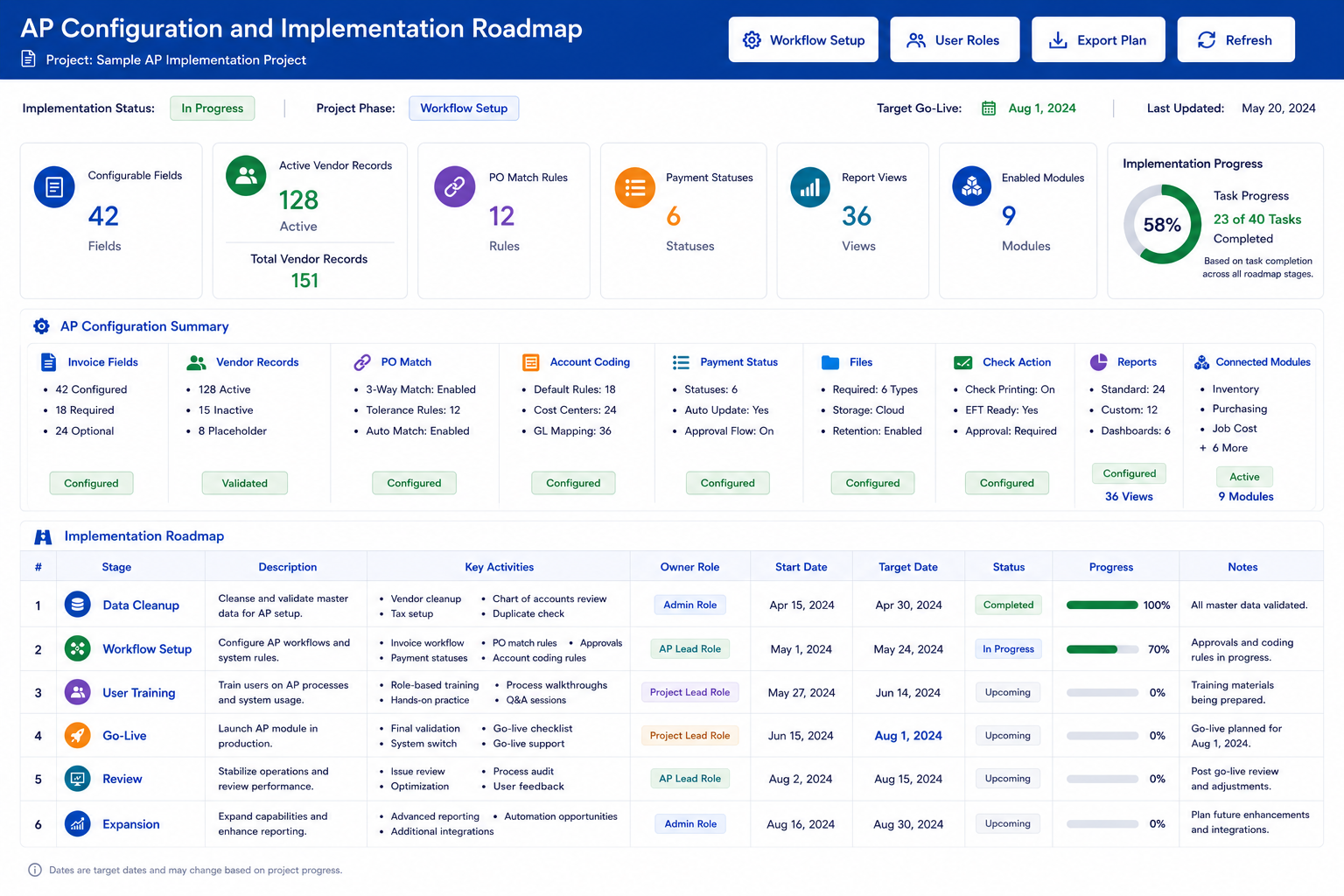
Industry Software should be understood as a configurable AP workflow platform, not just a bill entry screen. The configuration logic is practical: fields capture invoice details, matching purchase order fields connect AP to purchasing, account coding fields support expense control, file attachments preserve proof, statuses show payment progress, and reports reveal what still needs attention. This is more useful than a one-size-fits-all AP table because different companies review invoices differently. A manufacturer may prioritize inventory cost and PO matching. A contractor may prioritize job cost splits. A service company may prioritize vendor files, payment timing, and overhead categories.
This approach also makes implementation more realistic. Companies do not need to launch every finance module at once. They can start with vendor invoice entry, file attachments, paid/unpaid status, check creation, and AP balance reporting. From there, they can expand into purchasing, inventory, job costing, accounting, sales, and more advanced reporting. Industry Software’s cloud-based access, modular setup, workflow customization, quick-launch support, ongoing training, strong value, dedicated one-on-one service, and broad operational experience all support that phased path.
Configurable Fields: vendor, PO match, invoice number, tax, discount, due date, currency.
Account Coding: debit account, credit account, cost category, split allocation.
Payment Statuses: unpaid, pending review, approved, check created, paid.
File Attachments: invoice file, receipt proof, approval note, payment document.
Action Buttons: add entry, view files, create check, export, print, report review.
Report Views: unpaid invoices, paid invoices, vendor balances, due dates, expense categories.
Modular Expansion: purchasing, inventory, job costing, accounting, sales, reporting.
Implementation Still Needs Discipline
AP software will not fix poor data by itself. Vendor names need to be cleaned up, duplicate suppliers need to be removed, account categories need to be defined, and open invoices need to be reviewed before launch. If the company imports messy vendor data, unclear account mappings, and old unpaid balances without cleanup, the new system will only make the mess easier to search. That is why implementation should include data review, not just software setup. The quality of AP reporting depends heavily on the quality of the records going in.
User adoption also needs attention. AP teams may resist a new process if their spreadsheet feels faster, especially when they are under pressure to pay vendors quickly. Managers need to decide which steps are required, who can approve payments, who can create checks, and who owns invoice exceptions. Training should focus on real workflows, not just screen navigation. Industry Software can support setup, training, workflow adjustment, and post-launch improvement, but the company still needs internal ownership.
Data Cleanup: vendor records, account categories, open invoices, duplicate entries.
Process Design: PO-matching rules, approval ownership, payment-status rules.
User Training: invoice entry, file upload, coding, review, check creation, reporting.
Change Management: spreadsheet reduction, role clarity, approval discipline.
Post-Launch Review: report tuning, field adjustment, workflow cleanup, module expansion.
Better AP Software Means Better Payment Control
Accounts payable software should do more than store bills. It should help the company understand what is owed, what is paid, what is waiting, what needs review, and what should not be paid yet. The real value is not in entering invoices faster. The real value is reducing the quiet problems that make AP stressful: missing files, unclear expense coding, PO mismatches, vendor follow-up, check uncertainty, payment timing, and month-end cleanup.
Industry Software gives growing companies a practical way to improve AP control without starting with an oversized finance implementation. A team can begin with invoice entry, vendor records, PO matching, file attachments, payment status, check creation, and AP reporting. Later, the same system can expand into purchasing, inventory, job costing, sales, accounting, and broader operational reporting. For manufacturers, distributors, contractors, and service businesses, that means AP becomes more than a list of bills. It becomes a controlled workflow for protecting cash, vendor relationships, and financial accuracy.